
CASE STUDY
Baa Creation
CASE STUDY
VCell Zone
A Customer Is Added to the CRM. What Happens Next at VCell Zone?
CRM Automation helps VCell Zone manage what happens after a customer is added to its system. The business wanted new contacts to receive WhatsApp welcome messages, interested customers to be identified, and relevant promotional offers to reach the right people. It also needed a way for its team to record offer details and assign customers to sales representatives.
With ihakimi, they introduced a workflow built around its Miracle integration requirements. The setup connects manually created customer records with WhatsApp welcome messages, interest buttons, offer-based contact filtering, and salesperson assignment. This gives the team a clearer picture of which customers have shown interest and what communication should follow.
Client Background
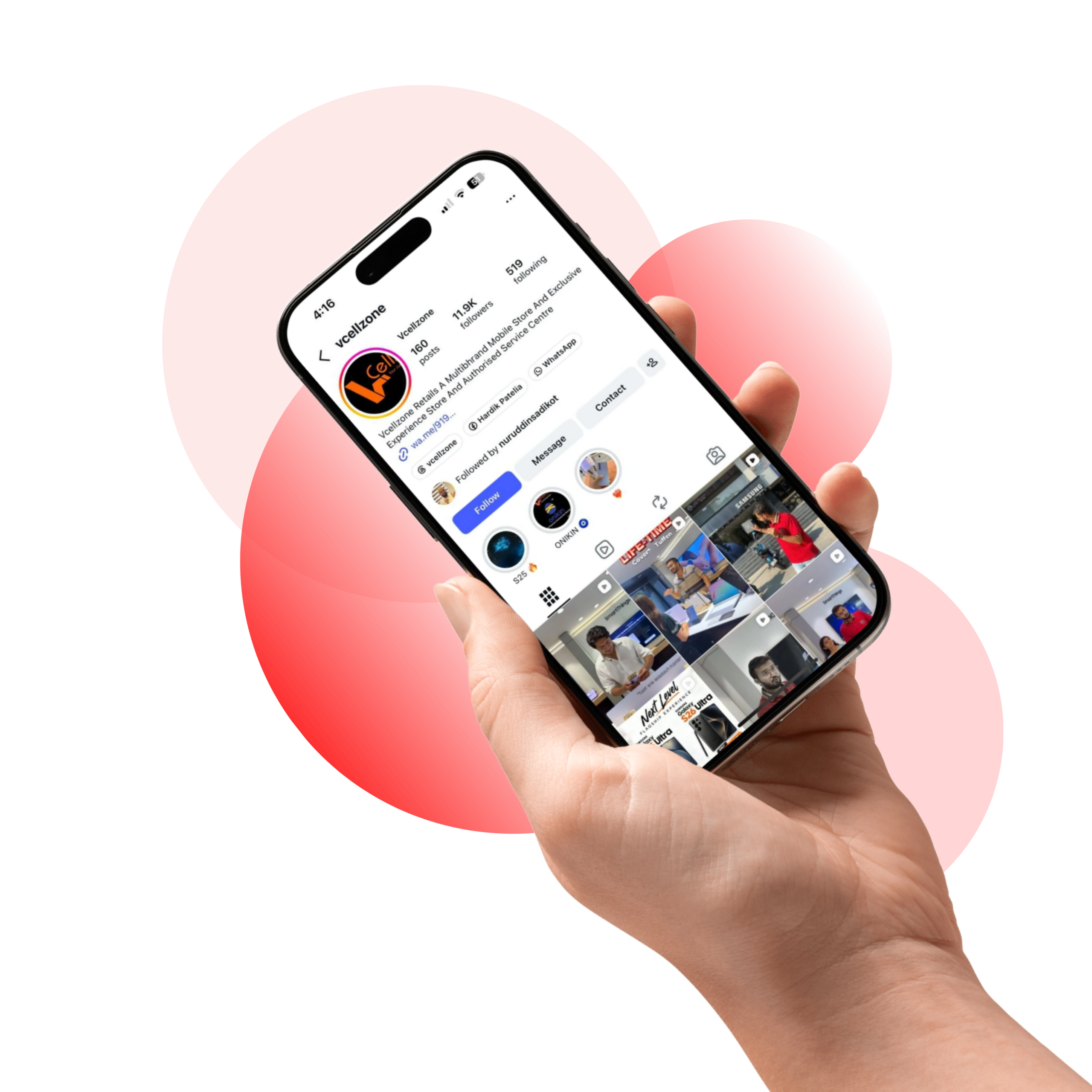
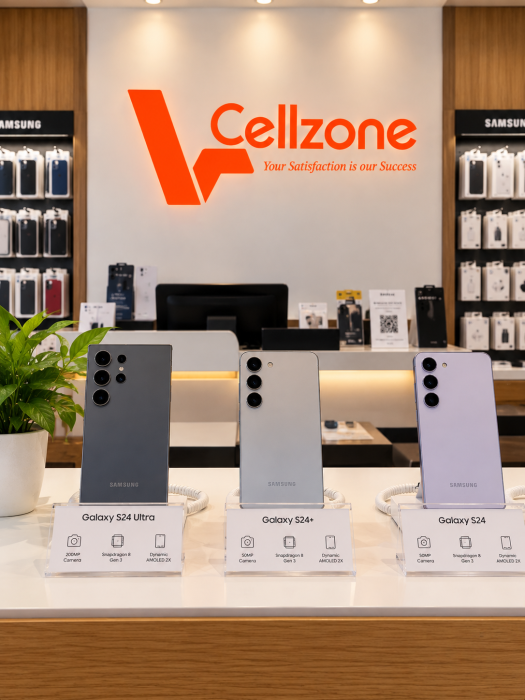
VCell Zone is a mobile phone retail business based in Rajkot, Gujarat, with a Samsung Experience Store on Raiya Road. The business serves customers looking for smartphones, mobile accessories, product information, and guidance when choosing mobile devices.
In mobile retail, a customer interaction does not always end with a purchase. Someone may visit the store, explore available products, or consider an offer before deciding what to buy. Staying in touch with these customers gives the sales team opportunities to answer questions, share relevant offers, and continue the conversation.
The business wanted its CRM to support this process. The business needed a workflow compatible with its Miracle integration requirements, where contacts added manually could receive WhatsApp welcome messages and their interest could be recorded.
The team also wanted to keep track of the offer associated with a customer, record a relevant date, send campaigns to interested contacts, and choose which salesperson would handle each customer.
The team chose ihakimi to manage WhatsApp welcome messages, customer interest, promotional offers, and salesperson assignments through a customized workflow.
Challenges
The business wanted a CRM workflow that supported customer communication, from the first WhatsApp message to promotional offers and sales follow-ups.
Welcoming New Contacts
New contacts marked as visitors needed to receive an introductory WhatsApp message automatically.
Tracking Customer Interest
The team needed to identify customers who showed interest in an offer and those who had not responded.
Recording Offer Details
The selected offer and its relevant date needed to be recorded within each customer's CRM profile.
Targeting Relevant Offers
Promotional broadcasts needed to reach interested customers linked to a particular offer, not everyone.
Assigning Salespeople
Each customer needed an assigned salesperson so the team could identify who was responsible for follow-ups.
Meeting CRM Requirements
The WhatsApp workflow needed to fit VCell Zone's customer management and Miracle integration requirements.
Solution
With ihakimi, the team introduced a clear process for managing customer communication after a contact was added to its CRM.
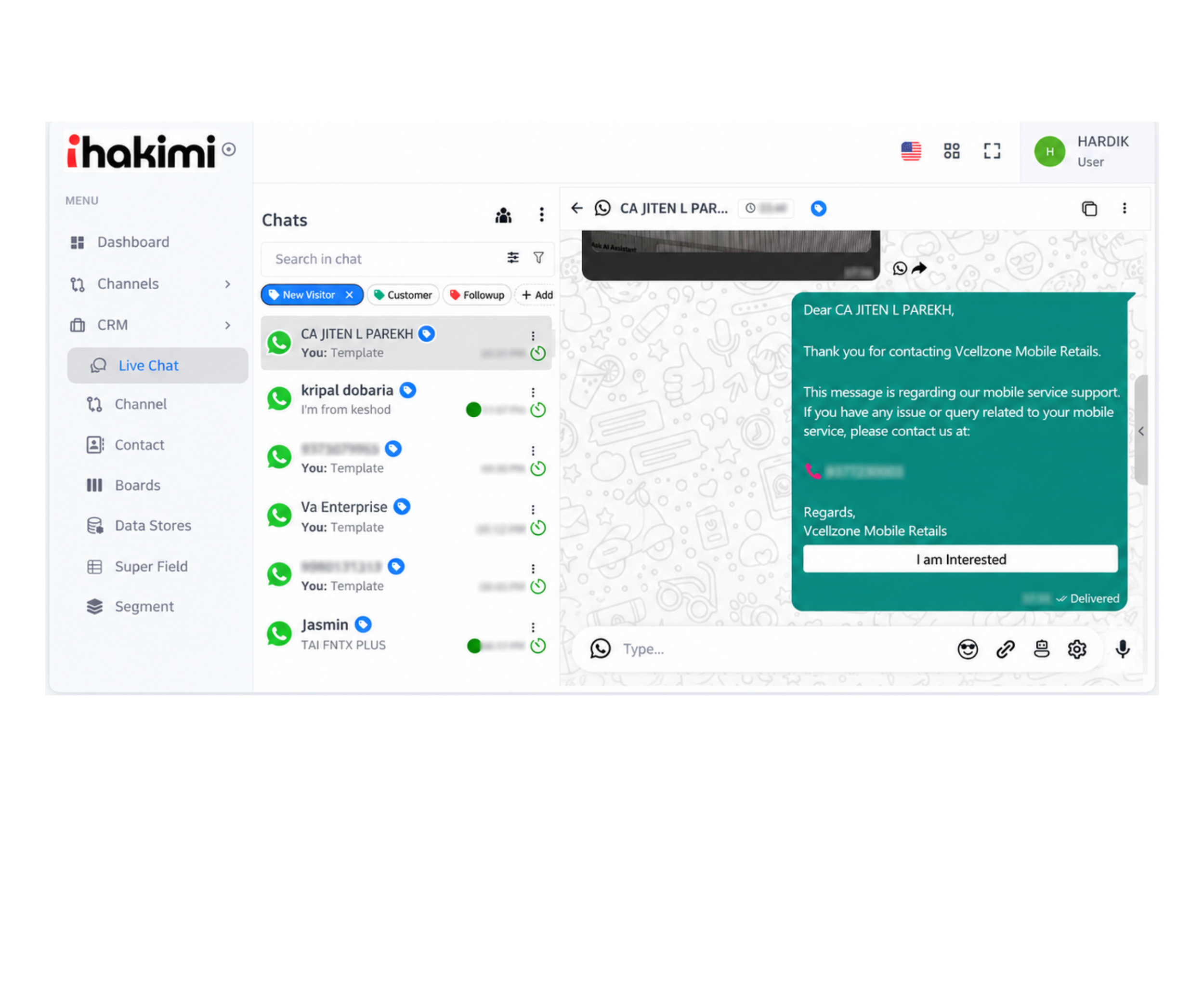
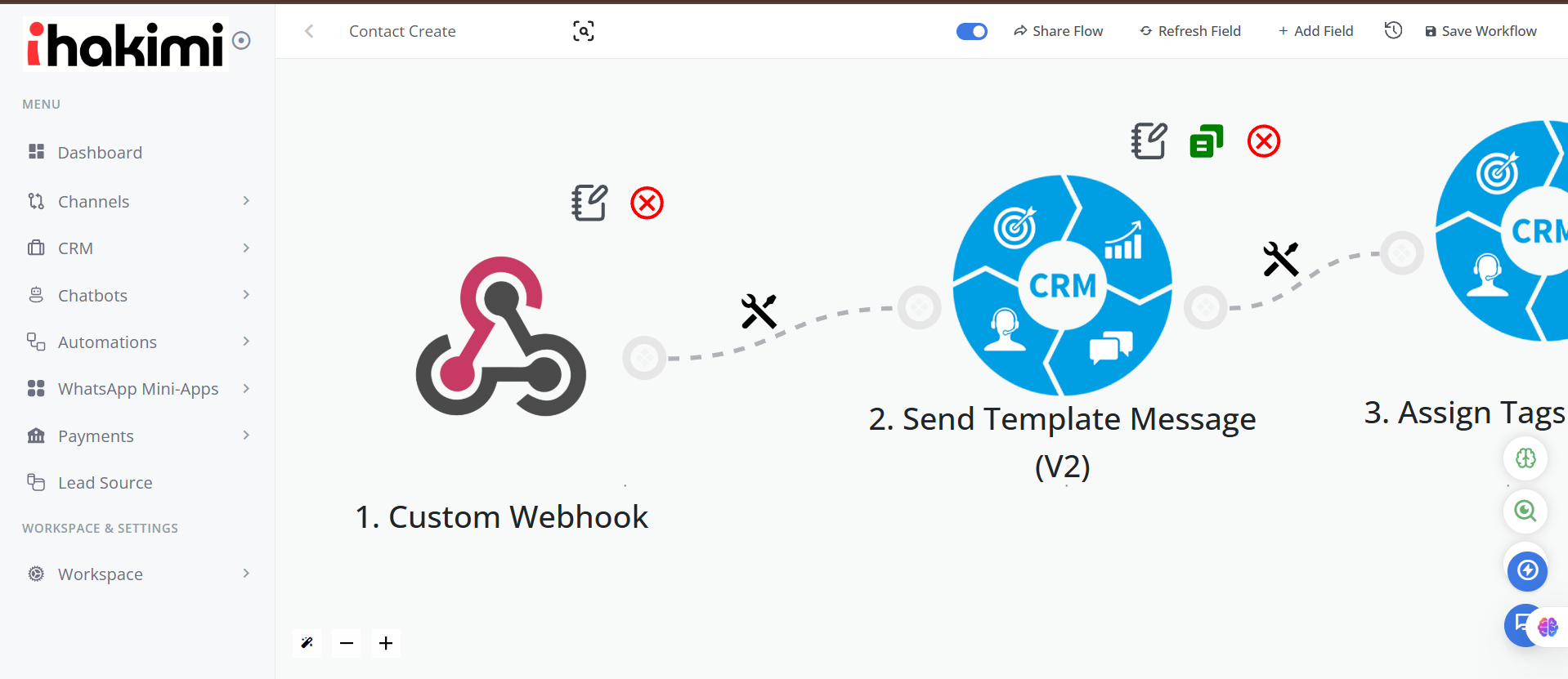
When a contact is manually created and assigned the Visitor tag, ihakimi sends a welcome message on WhatsApp. The message contains an “I’m Interested” button. If the customer clicks it, a second message is triggered, allowing the business to distinguish customers who have responded positively from those who have not.
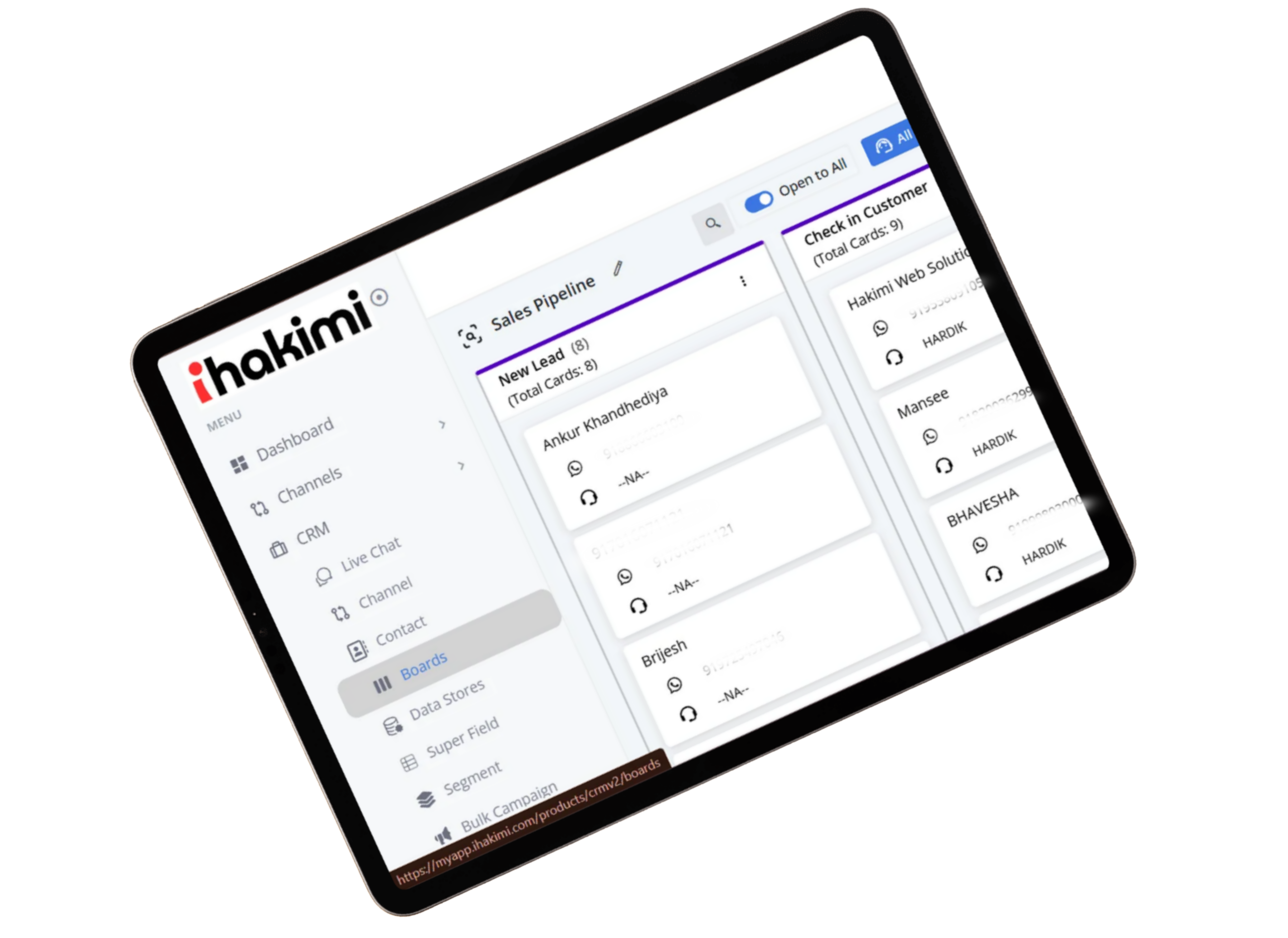
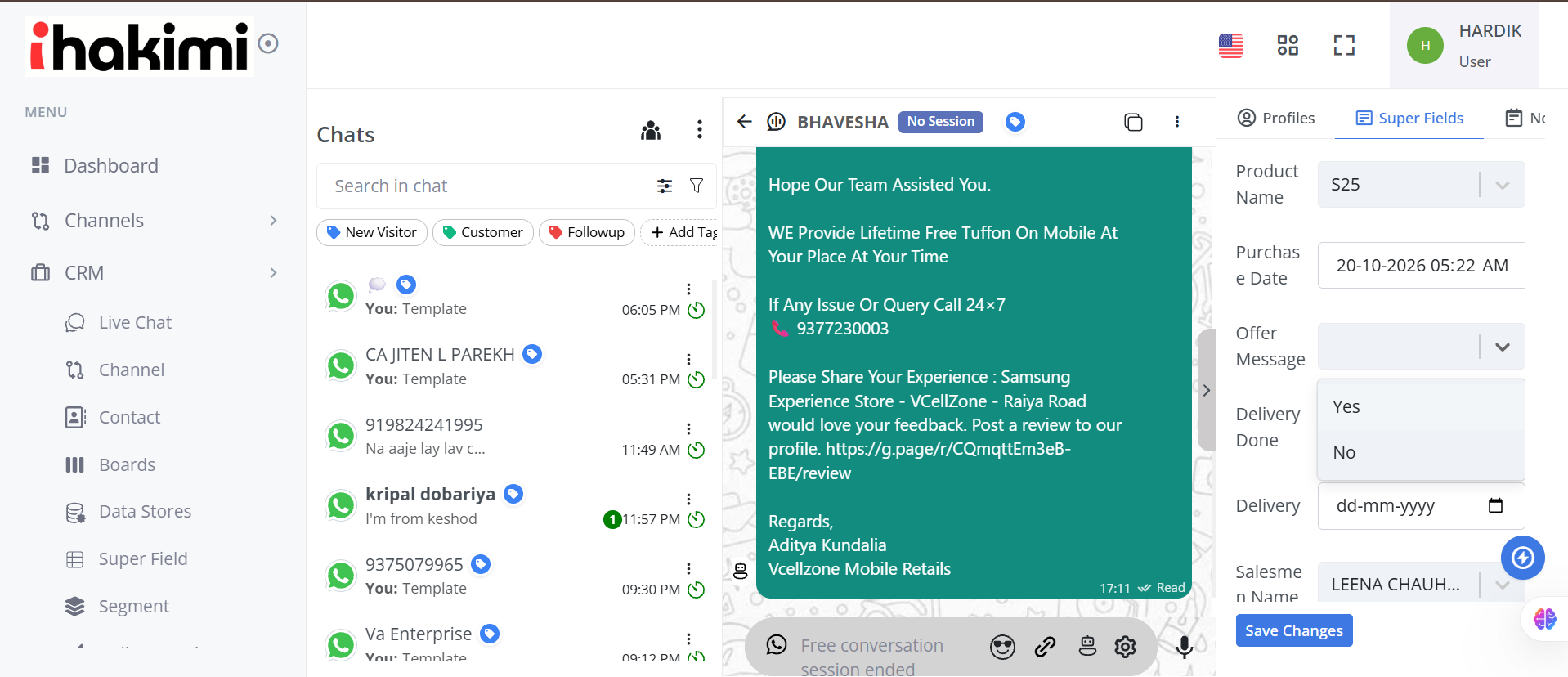
The team can then use the CRM’s Offer and Date fields to record the promotion selected for that customer and its associated date. These fields keep the information available within the customer’s record.
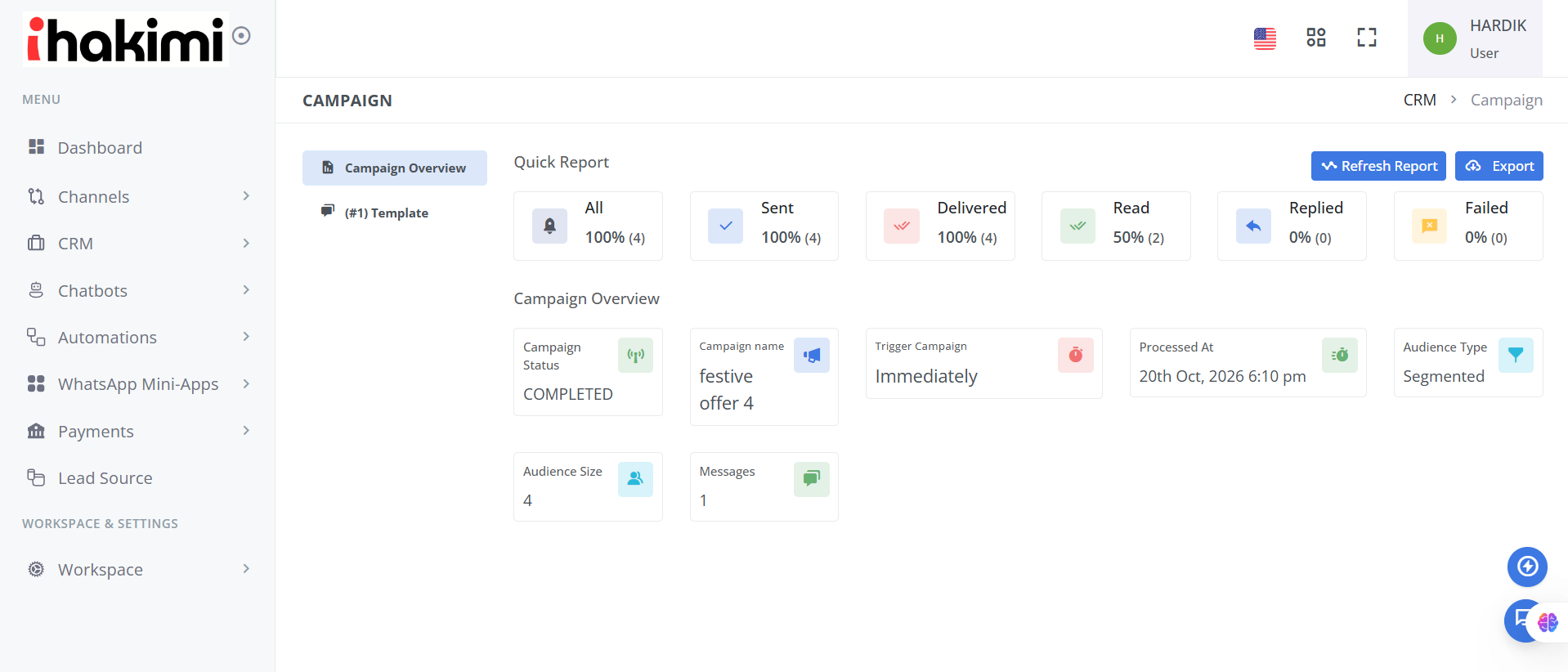
For future campaigns, VCell Zone can select interested customers and filter them according to the Offer field before sending a WhatsApp broadcast. This is particularly useful when different customers are associated with different promotional offers.
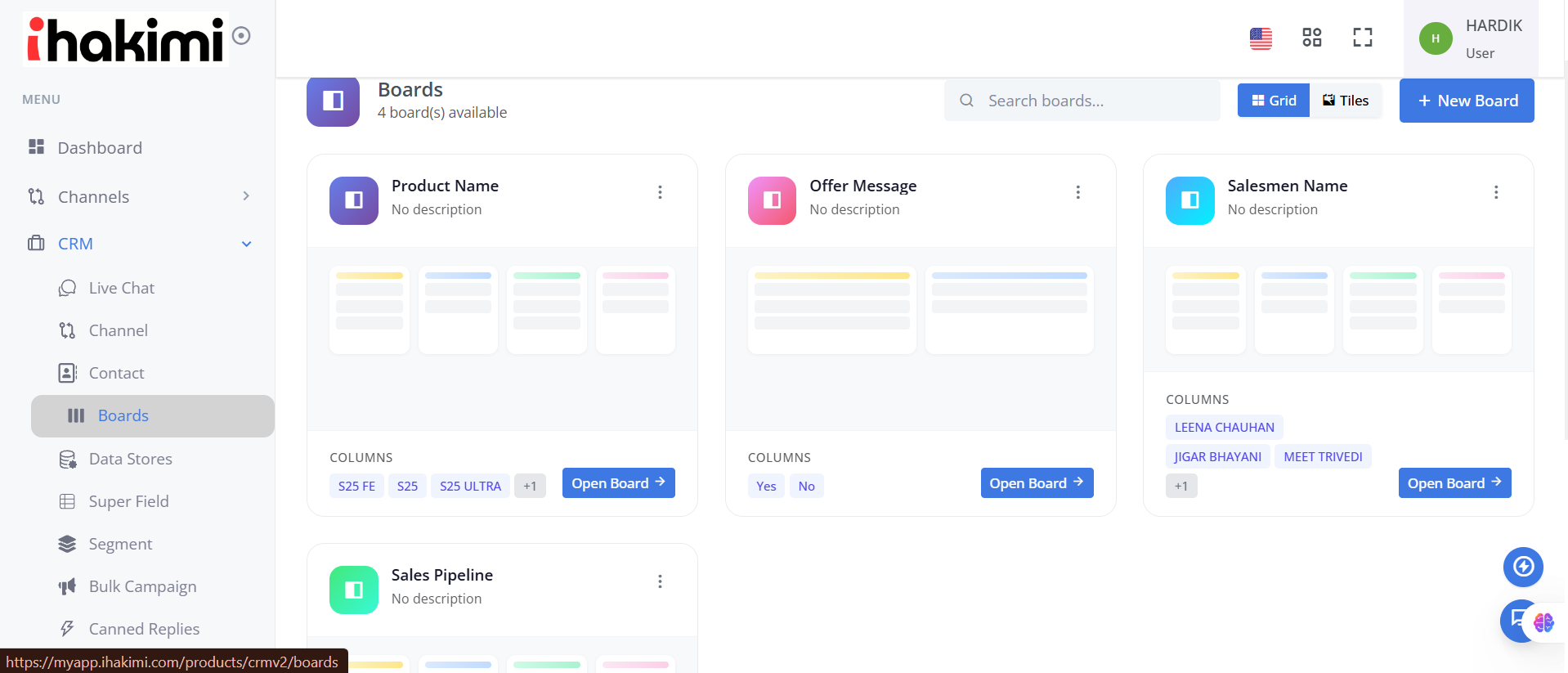
A dedicated salesperson assignment field also allows the business to choose the team member responsible for each customer, keeping sales responsibilities visible within the CRM.
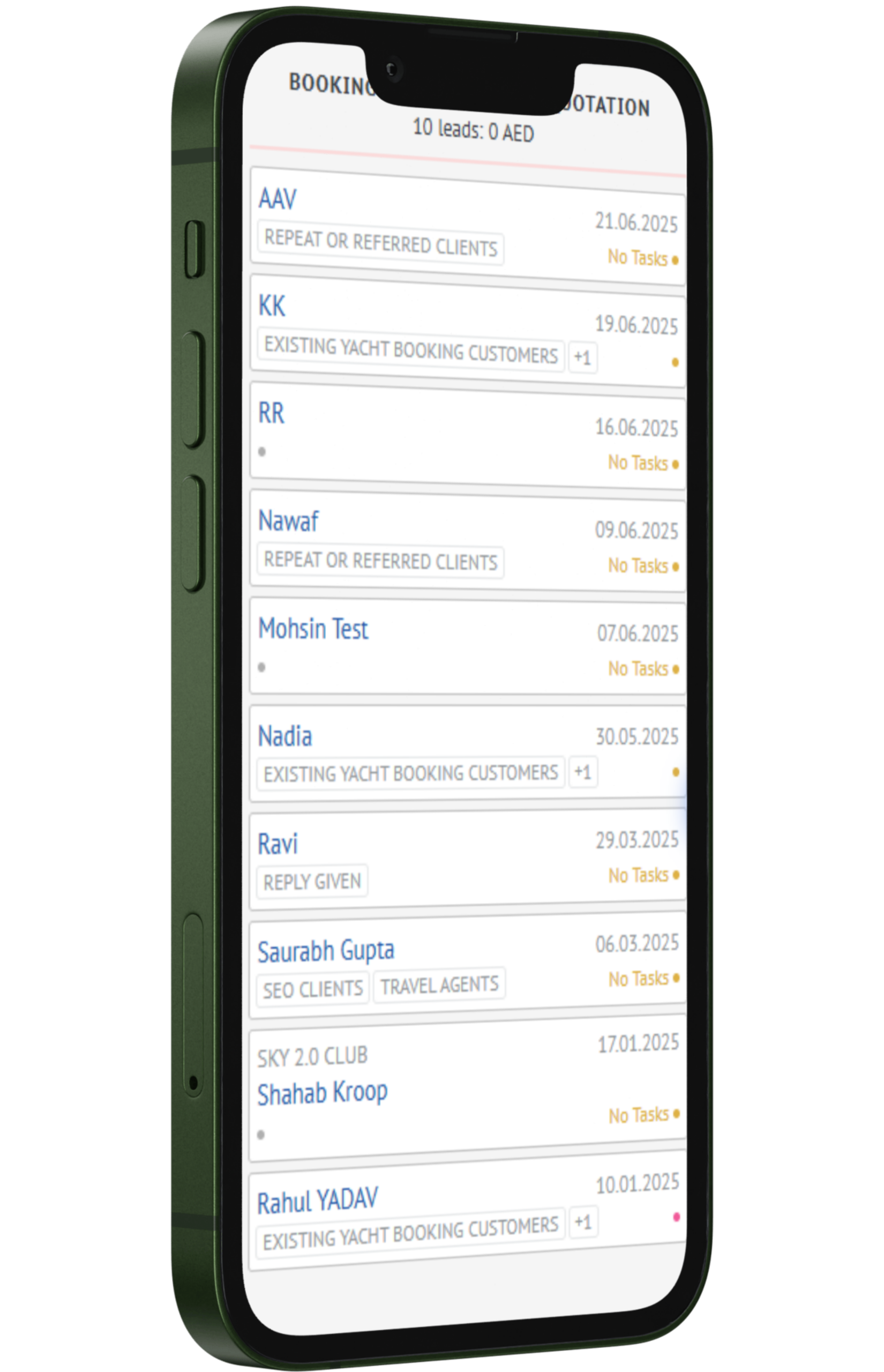
Auto Quotations & Invoices
- Quotations and invoices generated automatically within minutes.
- Links sent instantly via WhatsApp and email.
- All documents branded to match No.1 Yacht’s premium image.
- Booking events synced to Zoho Calendar.
- Internal alerts keep vendors and staff aligned without extra communication.
More Benefits
ihakimi helps the sales team manage customer communication, track interest in promotional offers, and organize sales responsibilities.
Customer Interest Tracking
The “I’m Interested” button helps the team identify customers who want to know more about available offers.
Salesperson Assignment
The team can assign a salesperson to each customer, making it clear who is responsible for the next interaction.
Automated Welcome Messages
New contacts marked as visitors receive WhatsApp welcome messages automatically, reducing the need for individual message sending.
Offer Management
The Offer and Date fields keep promotional details attached to customer records, making it easier to select contacts for campaigns.
Implementation
ihakimi’s CRM Automation was configured around VCell Zone’s customer engagement requirements, including its Miracle integration needs.
A CRM workflow was set up to support the business’s existing customer management process and required communication fields.
When a contact is manually created with the Visitor tag, ihakimi sends a WhatsApp welcome message containing an “I’m Interested” button.
If the customer clicks the button, a second automated message is triggered, helping the team identify customers who have expressed interest.
Two custom CRM fields, Offer and Date, allow the team to record the promotion associated with each customer and its relevant date.
The team can filter interested contacts using the Offer field and send WhatsApp broadcasts to customers associated with a particular promotion.
A dedicated field lets VCell Zone assign a salesperson to each customer, making it clear who is responsible for the next follow-up.
Results
VCell Zone now uses ihakimi’s CRM Automation to manage customer communication after a contact is manually added to its CRM.
Instead of relying on the team to send each introductory message, eligible contacts receive a WhatsApp welcome message with a direct option to express interest. Customers who click the button receive a follow-up message, providing a clear starting point for further communication.
The Offer and Date fields allow the team to maintain promotional information alongside customer records. When VCell Zone wants to run a campaign for a particular offer, interested contacts can be filtered and selected for a WhatsApp broadcast.
Salesperson assignment adds another useful part to the process. The CRM shows which team member is responsible for a customer, making follow-up responsibilities easier to identify.
Together, these features give VCell Zone a practical workflow that connects customer interest, promotional campaigns, and sales activities.
Key Data Analysis
VCell Zone’s CRM Automation through ihakimi highlights four important capabilities that support customer communication and sales activities.
- Automated Welcome Messages: Contacts manually added with the Visitor tag receive a WhatsApp welcome message with an "I'm Interested" button.
- Customer Interest Tracking: Button responses help the team identify customers interested in receiving further information about available offers.
- Offer-Based Broadcasting: The Offer and Date fields help maintain promotional details, while offer-based filters allow relevant customers to be selected for WhatsApp campaigns.
- Salesperson Assignment: A dedicated CRM field allows the team to assign a salesperson to each customer for future communication and follow-ups.
Challenges
Fast replies build trust
Instant responses helped No1 Yacht stand out and win more bookings.
Bots simplify choices
Clients could explore yachts easily, without long chats or confusion.
One system, smooth flow
Everyone – team, vendors, clients worked together without overlap.
Calendar sync prevents misses
Every booking stayed on track with automated updates.
Smarter follow-ups convert better
Pre-set reminders kept leads engaged and informed.
Automation saves time
Tasks that took hours now happen quickly and without errors.
Client Testimonial
Conclusion
With ihakimi’s CRM Automation, VCell Zone can manage customer communication from the moment a contact is added to its CRM. Automated WhatsApp welcome messages, interest tracking, offer-based broadcasting, and salesperson assignment help the team stay connected with customers and organize follow-up activities.
The setup allows VCell Zone to identify interested customers, maintain relevant promotional information, and assign sales responsibilities within its CRM. For retail businesses managing customer inquiries and promotional offers, this case shows how CRM Automation can support more relevant communication and better customer engagement.
Next Steps
To explore the potential of CRM automation for your enterprise, reach out to ihakimi at the following contact information: