
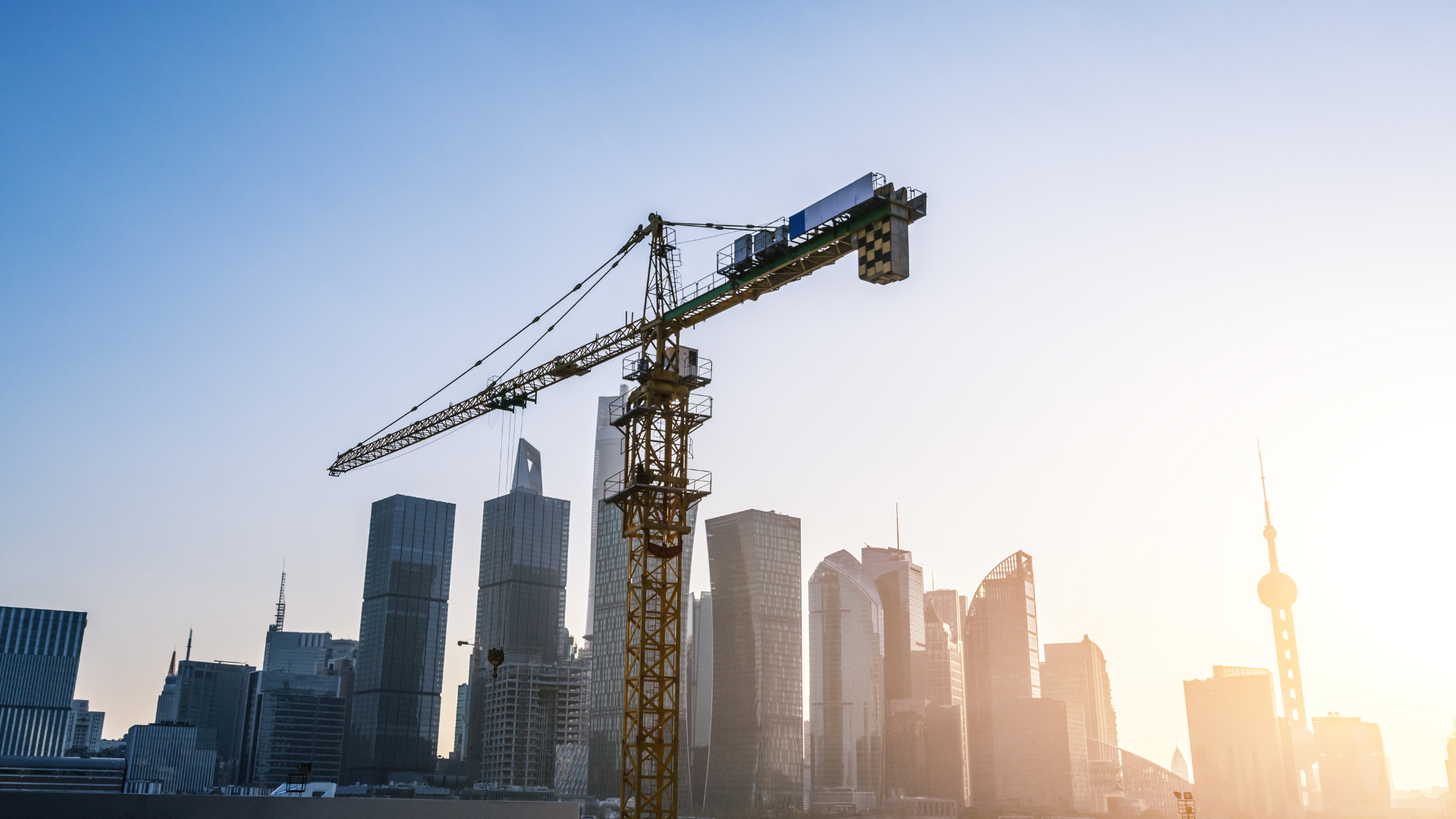
How Construction and Contracting Businesses Can Improve Communication and Project Coordination with Automation
Construction and contracting businesses operate in a high-stakes, fast-moving environment. Every project, whether it’s residential, commercial, or renovation, relies on precise coordination between clients, site teams, suppliers, and office staff. When communication is delayed or unclear, it can cause missed deadlines, budget overruns, and strained relationships.
Teams in construction are constantly on the move. Site managers supervise multiple areas, office staff juggle calls and documents, and suppliers coordinate deliveries. Missed messages or lost updates are common. Automation brings structure to this busy environment, ensuring information flows efficiently without interrupting the work already underway.
First responses shape client trust
When potential clients reach out, they want quick clarity. They ask about project scope, timelines, site visits, pricing, and next steps. Delays in response can make clients doubt reliability, leading them to consider competitors.
Automation ensures inquiries are acknowledged instantly. Clients get clear guidance on what information is needed, what services are available, and how the process works, even when teams are busy on-site.
Collecting project details upfront
Automation guides clients to provide essential project information, such as location, project type, timeline, and contact details. This allows contractors to assess feasibility, prepare proposals, and plan site visits efficiently, reducing repetitive back-and-forth.
Scheduling without endless follow-ups
Site visits are a critical step, but coordinating them manually often involves multiple calls and messages. Automation simplifies scheduling by offering clients available time slots, confirming appointments, and sending reminders.
This structured process saves time and ensures both clients and staff are aligned.
Confirmations that prevent misunderstandings
Automated confirmations include detailed information about the visit—address, time, and contact person, ensuring no one misses the appointment. Clear confirmation messages reduce miscommunication and prevent wasted travel or delays.
Keeping clients informed without constant calls
Clients want regular updates about progress, but manual updates take time. Automation can send structured progress notifications, such as milestone completions, supply deliveries, or inspection results. This keeps clients informed and reduces anxiety without adding work for project managers.
Managing changes smoothly
Construction projects often face unexpected changes, weather delays, design revisions, or supply issues. Automation allows quick updates to clients and teams, ensuring everyone stays on the same page. Clear notifications prevent misunderstandings and maintain trust even during complex projects.
Clear task visibility
Automation helps office staff communicate schedules, updates, and instructions to site teams efficiently. Everyone works with the same information, reducing errors caused by miscommunication and ensuring that critical tasks are completed on time.
Reducing repetitive administrative work
Office staff often spend hours responding to routine questions about timelines, material availability, or site details. Automation takes over repetitive communication, freeing staff to focus on planning, problem-solving, and supervising projects.
Simplifying supplier coordination
Construction depends on timely material delivery. Automated messages can notify suppliers about orders, deadlines, or changes, ensuring projects continue without disruption.
Streamlining financial communication
Construction projects often involve multiple payments, deposits, and approvals. Automation can send reminders for upcoming payments, confirm receipts, and provide updates on pending invoices. This keeps financial communication smooth and reduces misunderstandings.
Efficient document management
Clients and contractors frequently need to exchange documents, approvals, and permits. Automation can guide clients on what documents are required, notify them if something is missing, and confirm when approvals are completed. This reduces delays caused by lost paperwork.
Closing projects professionally
Once a project is completed, automation can send completion messages, share maintenance tips, or outline warranty information. This professional follow-up reinforces trust and demonstrates attention to detail.
Encouraging repeat work and referrals
Automation can send feedback requests and check-ins after project completion. Maintaining communication with past clients encourages repeat business and referrals, building a reliable client base over time.
Maintaining project history
Automated systems keep records of past projects, communications, and approvals, making it easier to manage future projects with returning clients or refer back to previous agreements.
Managing multiple projects simultaneously
As contracting businesses grow, keeping track of multiple sites can be challenging. Automation organizes communication, updates, and approvals across all projects, ensuring nothing is overlooked.
Maintaining consistency across teams
Automation ensures that every team, whether in the office or on-site, follows the same communication standards and processes. This consistency is key to delivering high-quality projects regardless of scale.
ihakimi Features That Support Construction & Contracting Businesses
Multi-Channel Communication
Manage client inquiries, updates, and internal messages from WhatsApp, website forms, and other platforms in one place.
Automated Inquiry Flows
Collect detailed project information upfront for faster responses and planning.
Site Visit Scheduling
Offer clients available slots and confirm visits automatically.
Project Update Messages
Keep clients informed about milestones, delays, or changes without manual follow-ups.
Payment and Reminder Messages
Send reminders for payments and approvals to keep financial communication smooth.
Internal Team Coordination
Share schedules, updates, and instructions clearly across office and site teams.
Follow-Up Communication
Stay connected with clients after project completion to build long-term relationships.
Integrations
Connect calendars, project management tools, and communication platforms for seamless workflow.
Wrapping It Up
Construction and contracting businesses thrive on coordination, clarity, and trust. Miscommunication or delays can affect timelines, budgets, and client satisfaction. Automation supports construction teams by keeping communication organized, reducing administrative burden, and improving transparency.
By simplifying client inquiries, site scheduling, project updates, payments, and follow-ups, contractors can focus on delivering high-quality projects while ensuring clients feel informed and confident throughout the process.
Automation doesn’t replace human oversight, it enhances it, allowing construction and contracting businesses to scale efficiently, manage multiple projects, and maintain strong client relationships.
Ready to See This in Action?
If you want to see how client inquiries, site visit scheduling, project updates, payments, and follow-ups work inside ihakimi, check out the demo.